A practical introduction to GPU-based computing for AI and high-performance computing
01
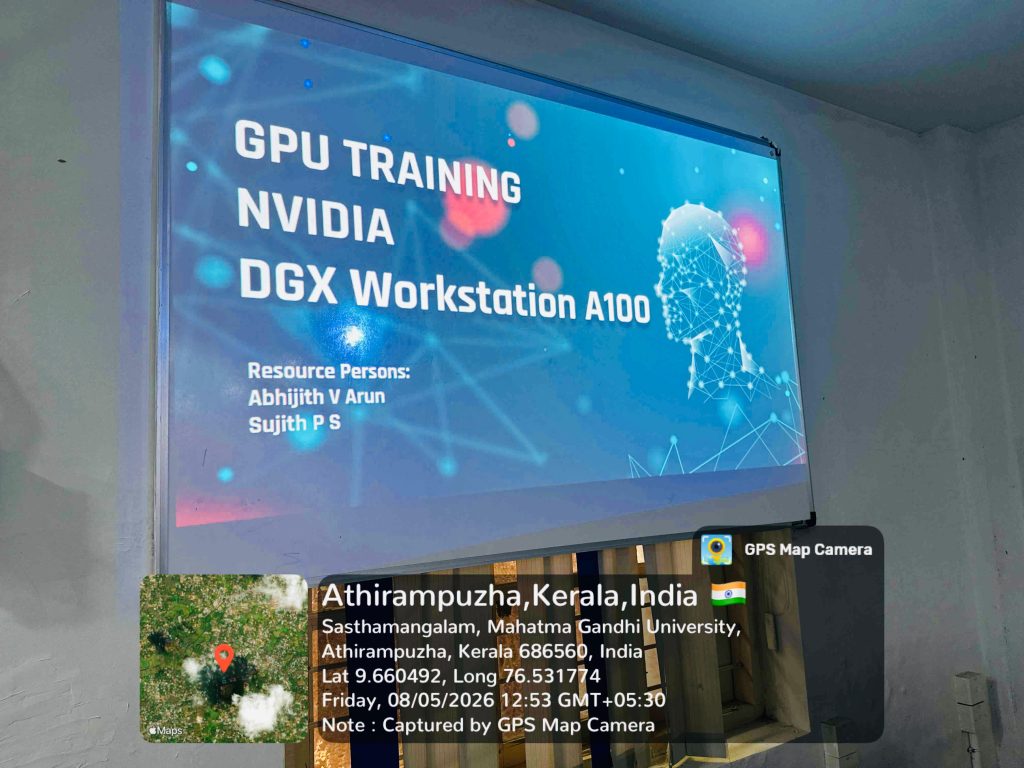
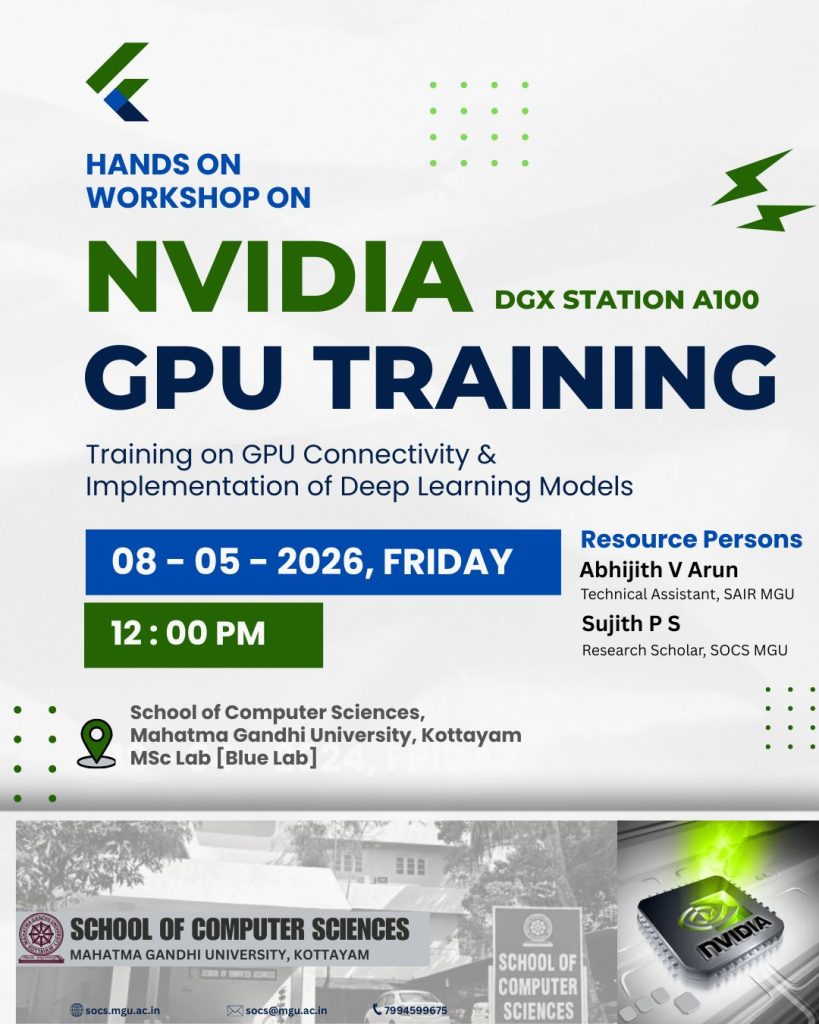
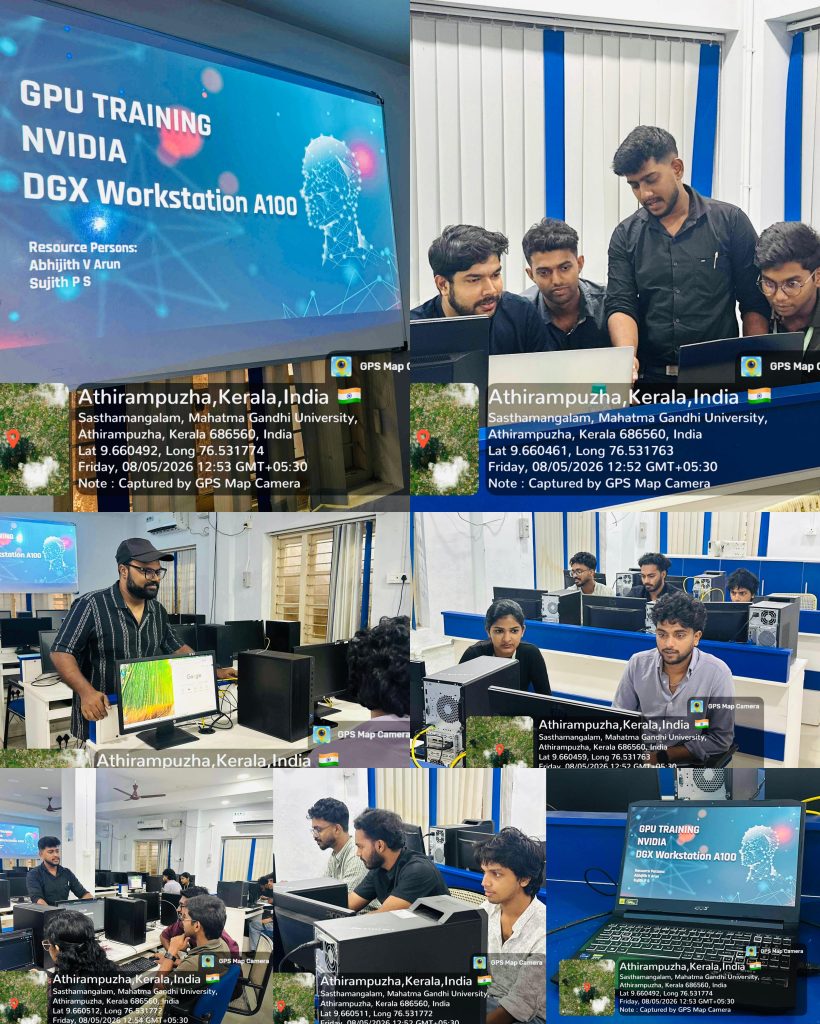
On 8th May 2026, a workshop on the NVIDIA DGX A100 system was conducted from 12:00 PM to 1:00 PM at the MSc Lab, School of Computer Sciences.
The workshop was conducted for students who are currently pursuing MSc projects in the School of Computer Sciences, along with two students from the School of Data Analytics. The session was handled by Abhijith V Arun and Sujith P S. The workshop aimed to provide students with a practical introduction to GPU-based computing and the usage of the DGX A100 system for artificial intelligence and high-performance computing tasks.
02
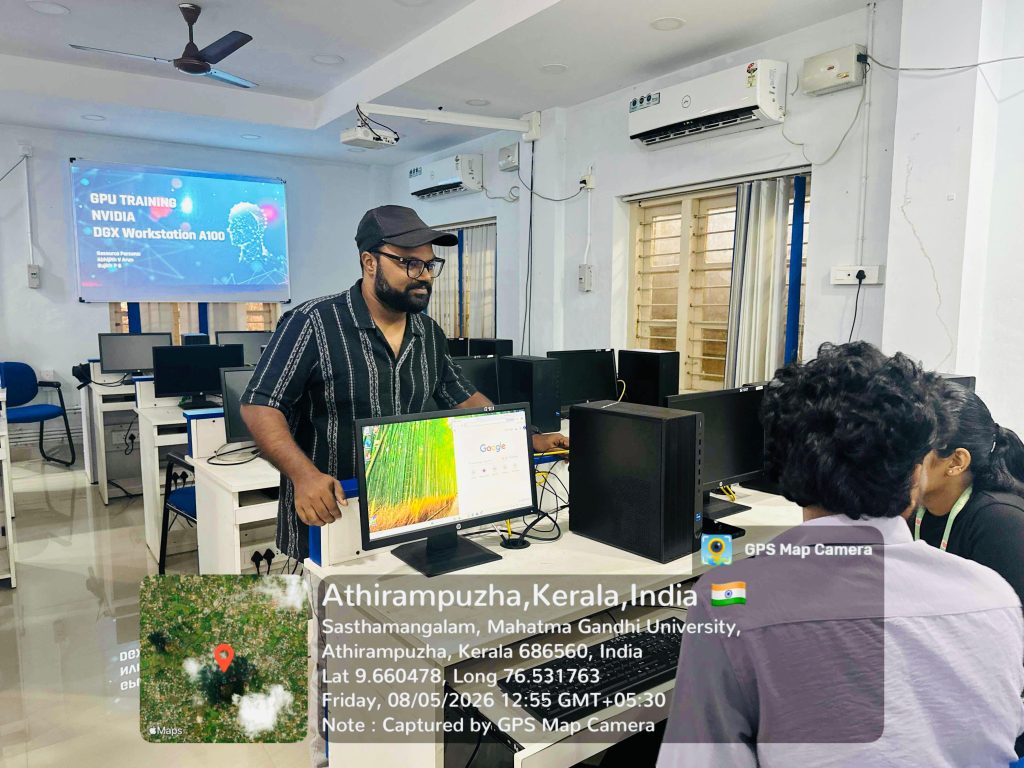
The session began with an introduction to the NVIDIA DGX A100 workstation and its major advantages in the field of AI, deep learning, and large-scale data processing. The architecture and capabilities of the system were explained, including the role of NVIDIA A100 GPUs and CUDA technology. A comparison between CPU and GPU computing was also demonstrated to help participants understand the importance of parallel processing and GPU acceleration in modern computing applications.
03
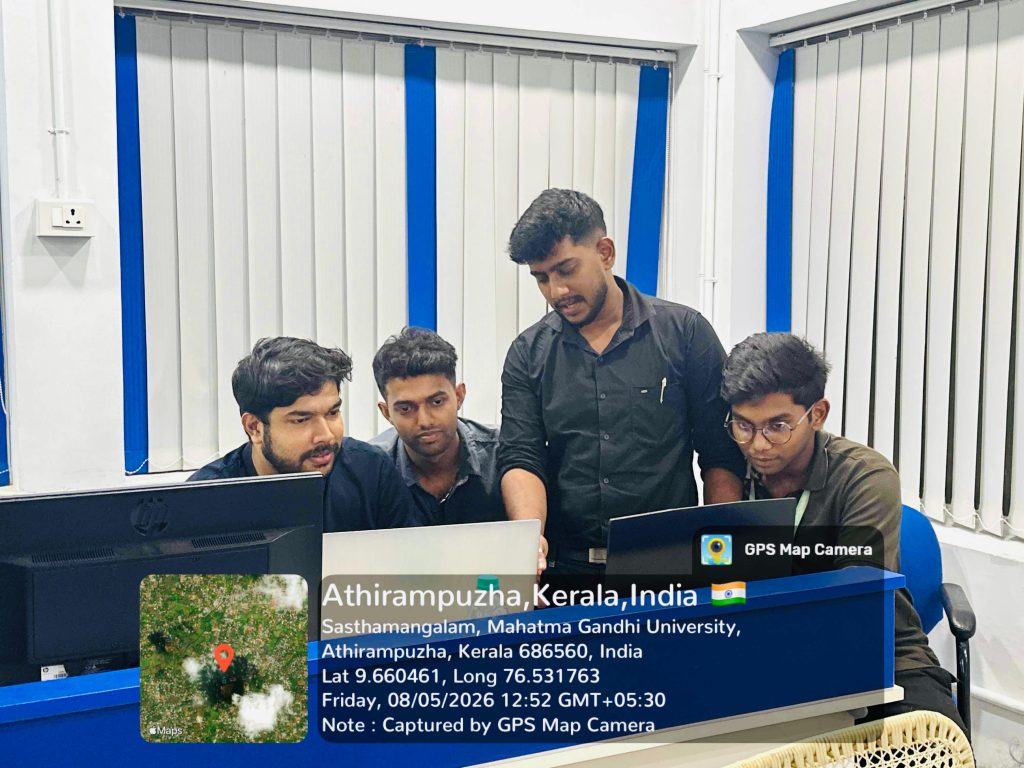
The workshop then moved into the practical section, where participants were guided through the process of logging into the JupyterHub environment and working with the Linux-based interface. Demonstrations were given on creating folders and Python files, opening and using the terminal, checking live GPU usage and running status using system commands, and monitoring disk usage. The session also covered how to select and configure different CUDA-enabled GPUs among the four GPUs available in the DGX system.
04
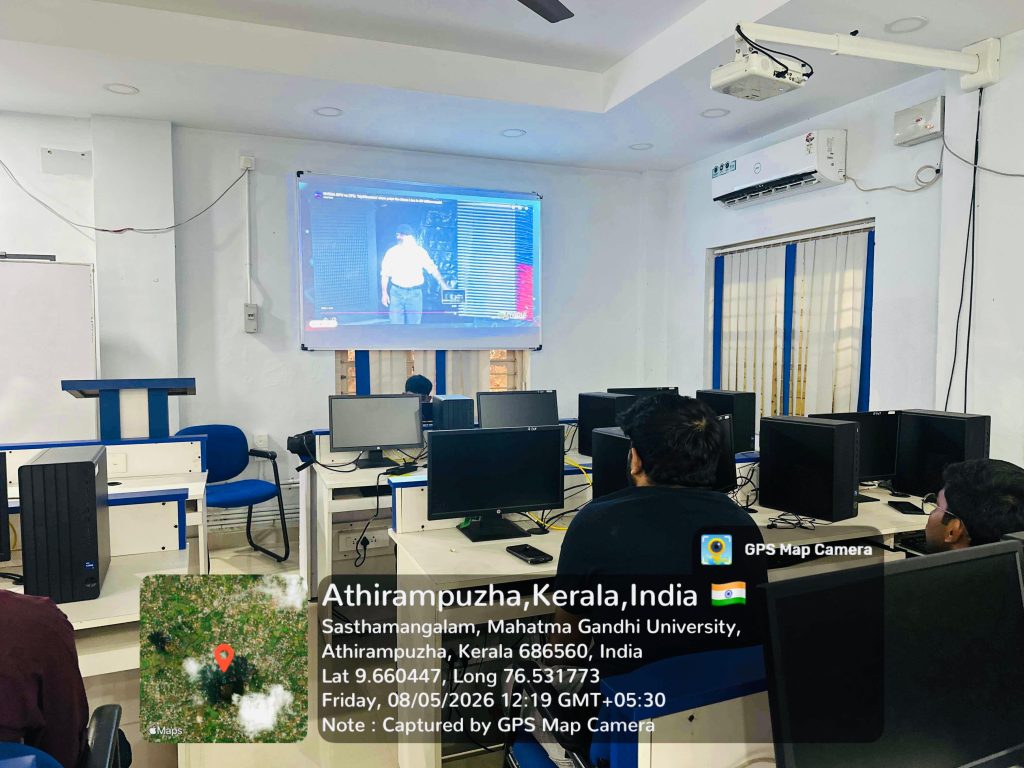
In addition, students were introduced to cache management techniques, including checking cache usage and clearing unnecessary cache files. It was demonstrated how to unzip datasets and manage files efficiently within the system. To conclude the workshop, a sample program was executed to compare the execution time of computations performed on the CPU and GPU, clearly showing the performance benefits of GPU computing.

05
Overall, the workshop provided participants with a clear understanding of the DGX A100 environment and offered valuable hands-on experience with GPU-based computing tools and commands.

© 2026 Priyadarsini Hills, Kottayam,Kerala,India, Pin: 686560
